
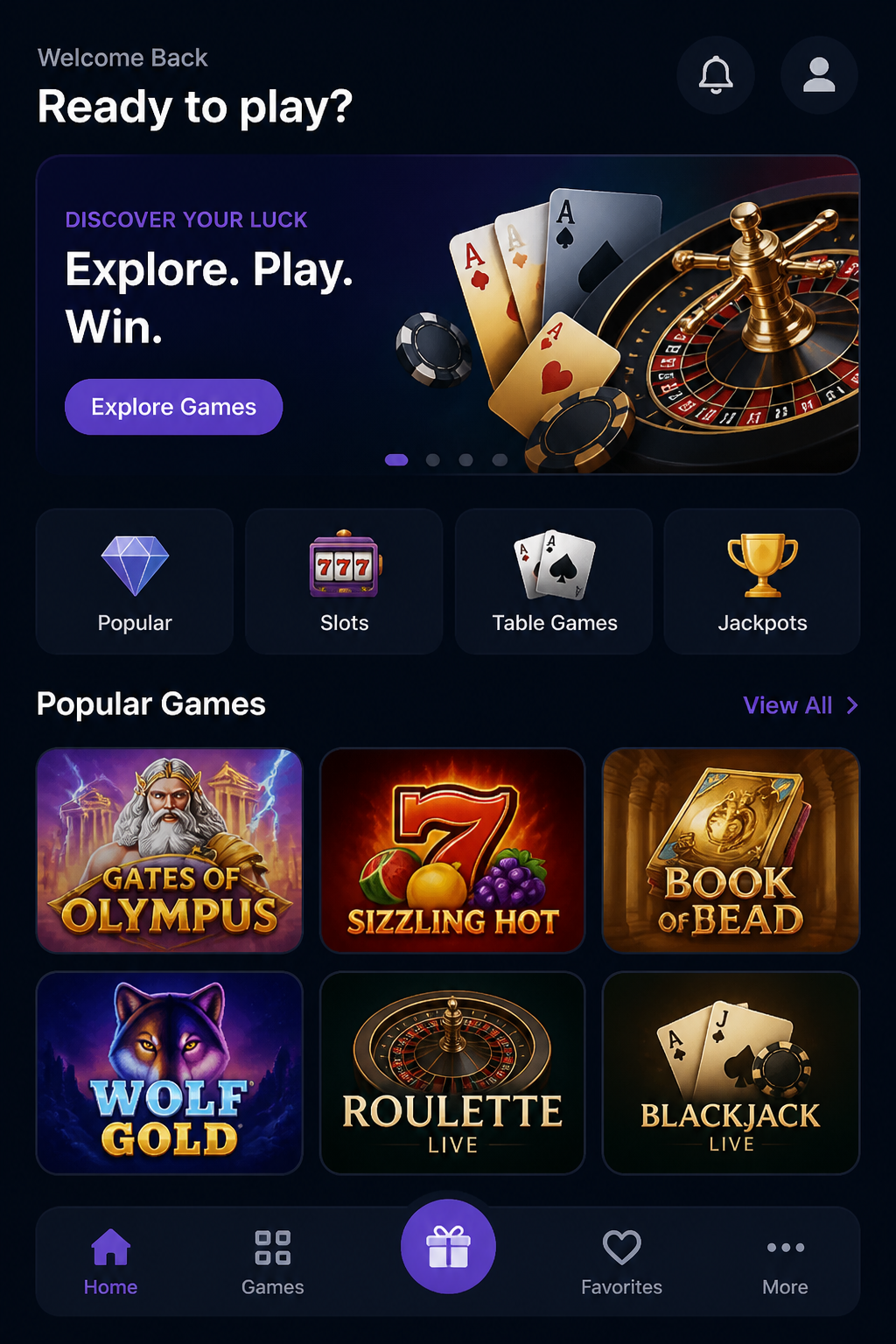
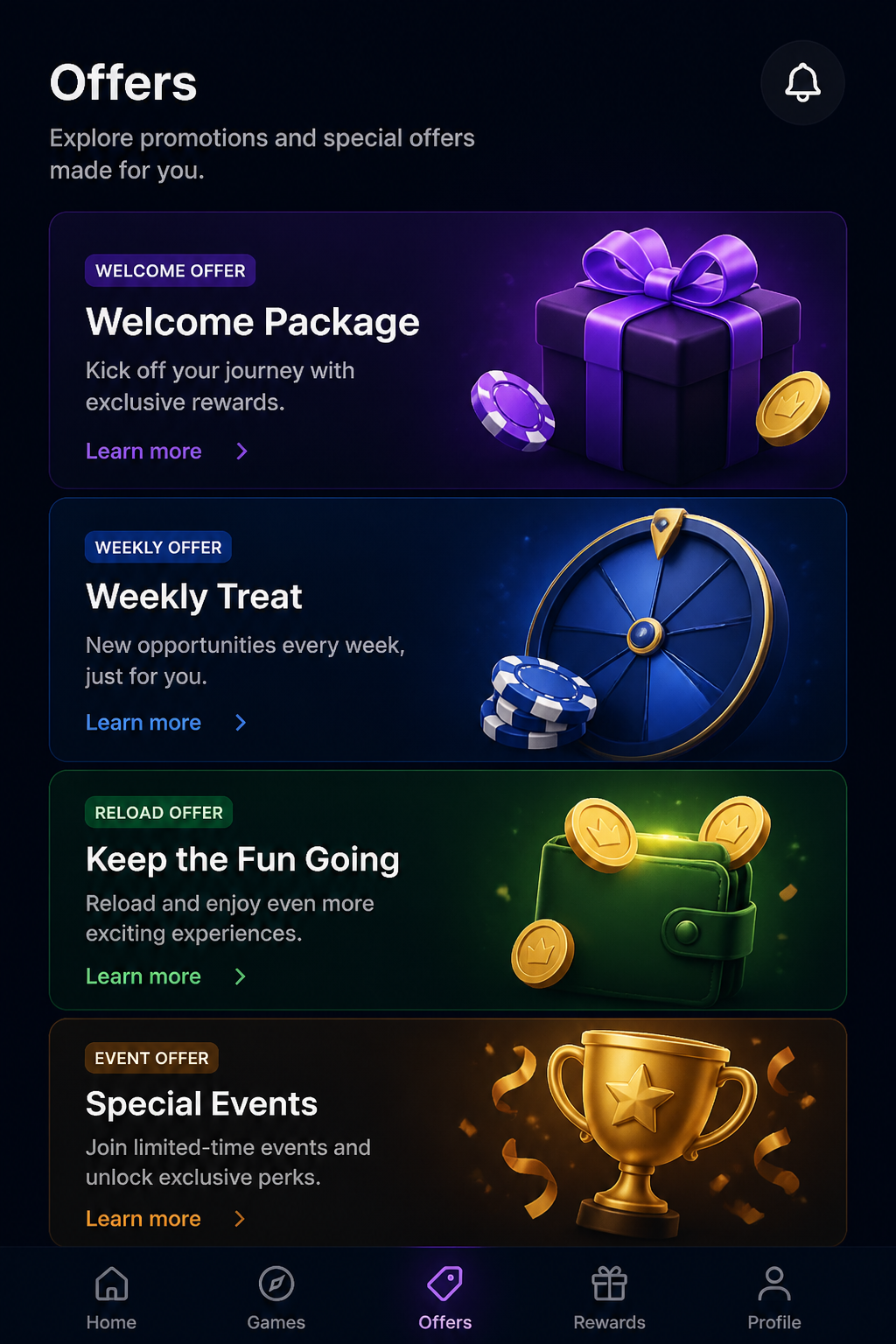
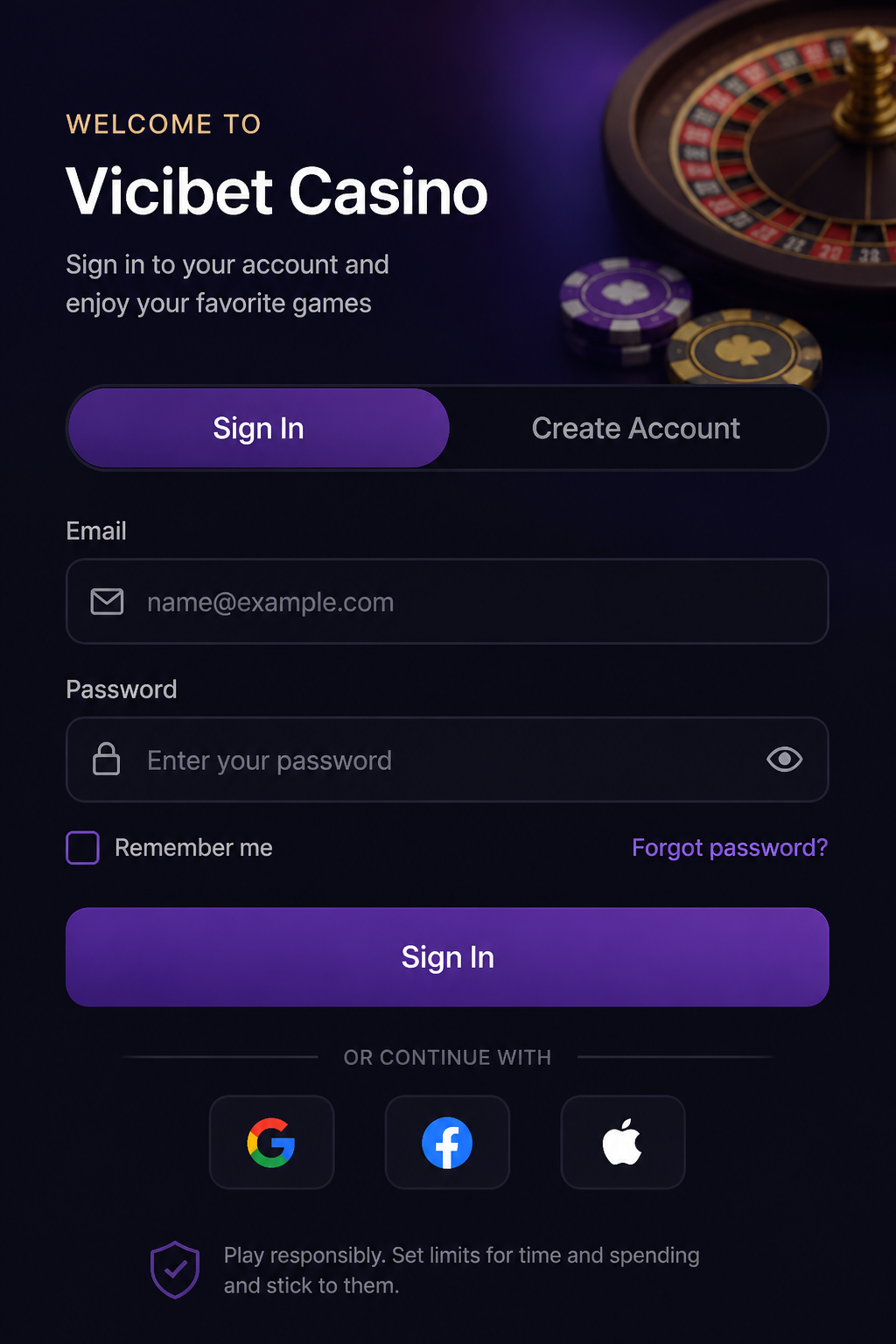
Mobile access makes it convenient to explore Vicibet’s slots and live-game categories on a phone. The browser experience is the sensible starting point: it allows players to inspect the lobby, account menus and game information without assuming the existence of a separate downloadable app.
This page covers practical iPhone and Android use, readable bonus terms, game controls, login safety and account access from a smaller screen.
| Mobile access | Website in a browser |
| Devices | iPhone and Android browsers |
| Games | Slots and live categories |
| Welcome offer | 100 free spins; conditions apply |
| Account | Sign-in and settings access |
| Cashier | Methods depend on account and location |
Keeping Vicibet close on your home screen
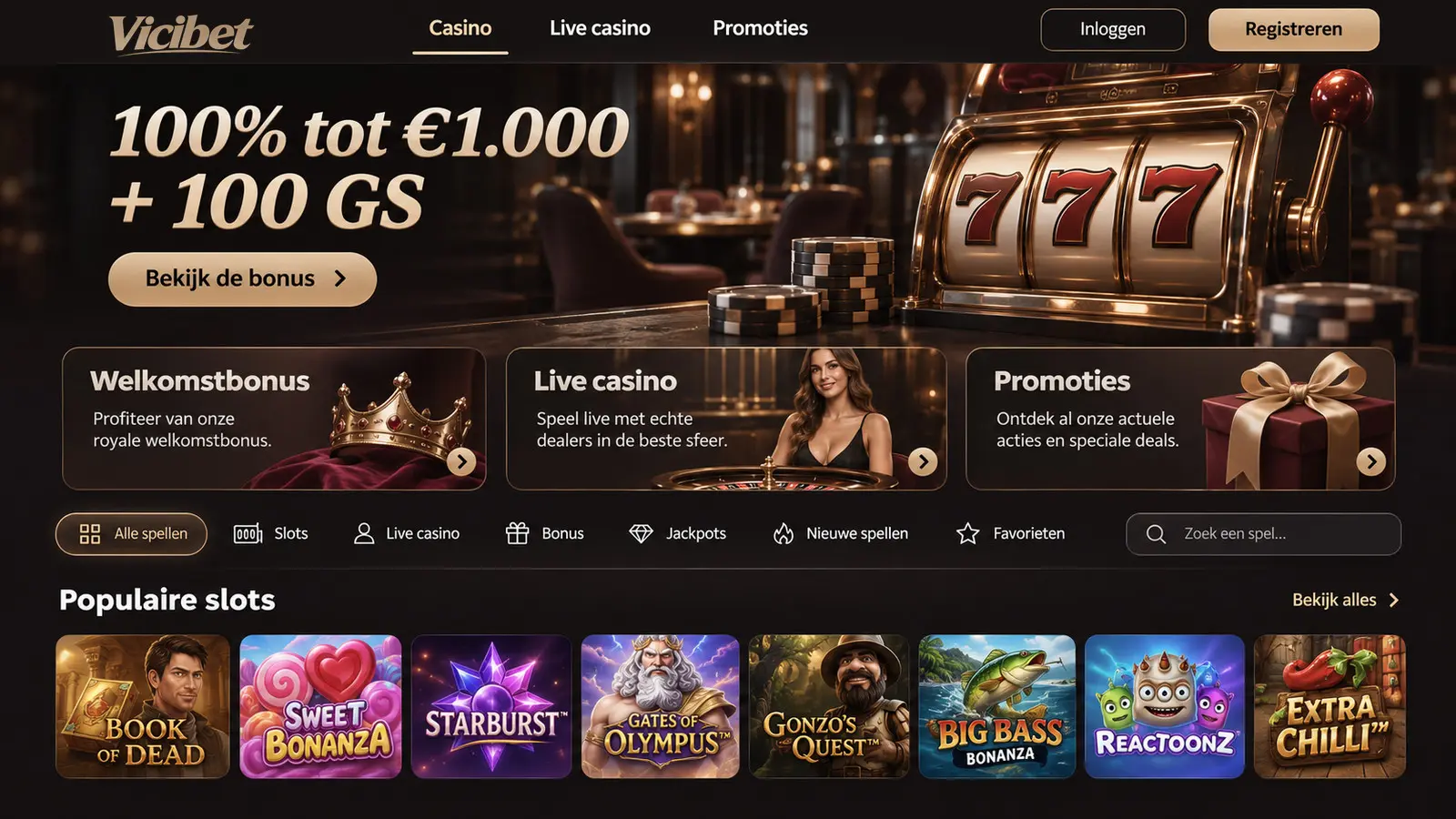
Browser access is a straightforward way to use Vicibet from a phone. You can inspect the lobby, game information and account area without relying on a separately installed application. Modern mobile browsers may also let you add a website shortcut to the home screen; that shortcut is not evidence of a dedicated official app.
The benefit is convenience. It opens the same web environment with fewer taps, while the account and its permissions remain just as important. Confirm that the address is correct and sign out of any device that other people can use. A good mobile experience is built around clarity, not another icon.
Exploring Vicibet on mobile

Vicibet can be assessed on a phone through its website. A distinct official app has not been independently verified, so it would be inaccurate to promise an app-store listing or a particular downloadable package. For most players, the first useful test is whether a mobile browser can handle essential tasks clearly.
Open the main menu and find a game's rules, the account area and the support route. Those tasks reveal more about everyday usability than an animation on the home screen. They can be checked before depositing money or sharing additional personal information.
If the interface already feels confusing, there is no need to complete registration just to confirm that impression. Make clarity your first test.
Readable pages on iOS and Android

A mobile page should respond to different screen sizes without hiding information. A long bonus document needs sensible spacing, while payment forms must remain usable when the on-screen keyboard opens. Buttons placed too close together may lead to accidental actions.
Switch between portrait and landscape orientation and try increasing the browser text size. Important rules should stay accessible without constant sideways scrolling. Also check whether banners cover navigation or force you into a promotion before you can read the details.
Device settings and browser versions vary. Judge the layout on your own phone rather than assuming that a desktop screenshot represents the mobile experience.
Play controls on a compact display
A slot interface must make the current stake, remaining balance and start controls easy to distinguish. A finger can cover a large part of a small screen, so close-together buttons are a usability concern. Fast animations may also make repeated spending harder to notice.
Read the game's paytable and inspect stake changes before starting. A feature purchase or additional wager can cost much more than a regular spin. The convenience of playing on a phone does not alter the game's risk or make its outcomes more predictable.
Keep the session's money limit in view. If you cannot comfortably see the betting details, use another device or choose not to play.
Live streaming and interruptions
Live casino formats can rely on a continuous video connection. Network dropouts, audio delays and a weak mobile signal can all make the interface difficult to follow. Players should know where to check a completed round when the picture freezes.
If a connection drops, review the account history before attempting another wager. Do not assume a bet was cancelled simply because the video disappeared. A stable, trusted network is preferable, and mobile-data charges should be considered where applicable.
The best response to an uncertain round is checking the record, not repeatedly pressing the action button. Keep the issue separate from your next gameplay decision.
Reading the promotion on a small display
A welcome banner is often the first feature seen on a mobile screen. The more useful test is whether the detailed conditions remain readable after tapping it. With Vicibet, players should be able to locate the 100% match explanation and the 100 free spins without needing a laptop to decipher the terms.
Check the wagering section, eligible games and any deadlines at a comfortable zoom level. Clear, scrollable information is a genuine mobile benefit. When a platform makes the essential details easy to reach, the experience feels more consistent across devices.
Account safety while travelling
Phones are convenient precisely because they are carried everywhere. That also creates risks if a device is lost, shared or left unlocked. Use a screen lock, a unique account password and additional verification where available. Avoid storing login codes in a place that is accessible without authentication.
Be cautious with promotional messages that take you directly to a sign-in form. Open the known website yourself rather than trusting an unexpected redirect. Sensitive identity files should be uploaded only through a verified, secure channel.
Security involves habits as well as settings. Logging out of a shared device may be more valuable than any shortcut intended to save a few seconds.
Mobile cashier checks
On a smaller screen, it should still be obvious which amount and currency you are authorising. Payment-method availability at Vicibet may depend on location and account conditions, so do not assume that every common international card or wallet will appear.
Confirm the payment details before leaving the cashier for a provider's screen. If the page stalls, check your bank and account history before trying again. Repeated taps can create confusion over whether one transaction or several attempts occurred.
Avoid payment links forwarded by strangers. Use the cashier route you reached from the known site and keep a secure transaction reference.
Accessibility is part of usability
Increasing font size, using a screen reader or adjusting display contrast should not hide account controls or change the meaning of important text. Mobile accessibility is particularly relevant to long legal terms and financial confirmation screens.
Try a larger text setting and inspect whether buttons remain distinct and easy to operate. A design that clips conditions or overlays one control on another can lead to accidental selections. These are practical issues even for visitors who do not usually rely on accessibility features.
A page that cannot be read comfortably should not be used to make a hurried payment decision.
Check the history after interruptions
When an animated game freezes, the most useful information is the recorded transaction, not the last frame on the screen. The outcome of a round should be checked in available account or game records before starting a new one.
Record the time and stake if a result remains unclear. Contact support using the legitimate account route and explain exactly what was shown. Do not assume that reconnecting will cancel or repeat the wager.
A frozen screen is an information problem that needs investigation. It should not become an excuse to place an additional bet.
Choosing mobile games by preference
Some players use a phone for a short slot session, while others prefer following live games. A useful mobile layout makes it possible to move between categories without losing track of the account menu. Vicibet listings mention reels, card games and live formats, with the current lobby providing the most accurate game selection.
Look beyond loading speed to basic usability. Can you read the stake before confirming it? Are rules easy to open? Does the back control behave as expected? These small checks determine whether mobile play feels comfortable rather than cramped on a smaller display.
Notification settings influence behaviour
Marketing messages can turn an intentional activity into something that interrupts the day. A player who wants to limit gambling time should consider reducing promotional alerts at both device and account level, where those controls exist.
Remove shortcuts or saved notifications if they make it harder to stick to a planned break. Treat an expiring offer as advertising, not as an obligation. Missing a promotion does not create a financial loss.
The most useful phone setting may be one that helps you put the device away. Your time and attention are resources worth protecting.
Mobile access made practical
A convenient phone experience rests on readable rules, comfortable game controls and secure account access. Explore the categories that interest you and make use of settings that help you stay organised.